
Why Calypso isn’t sending your media
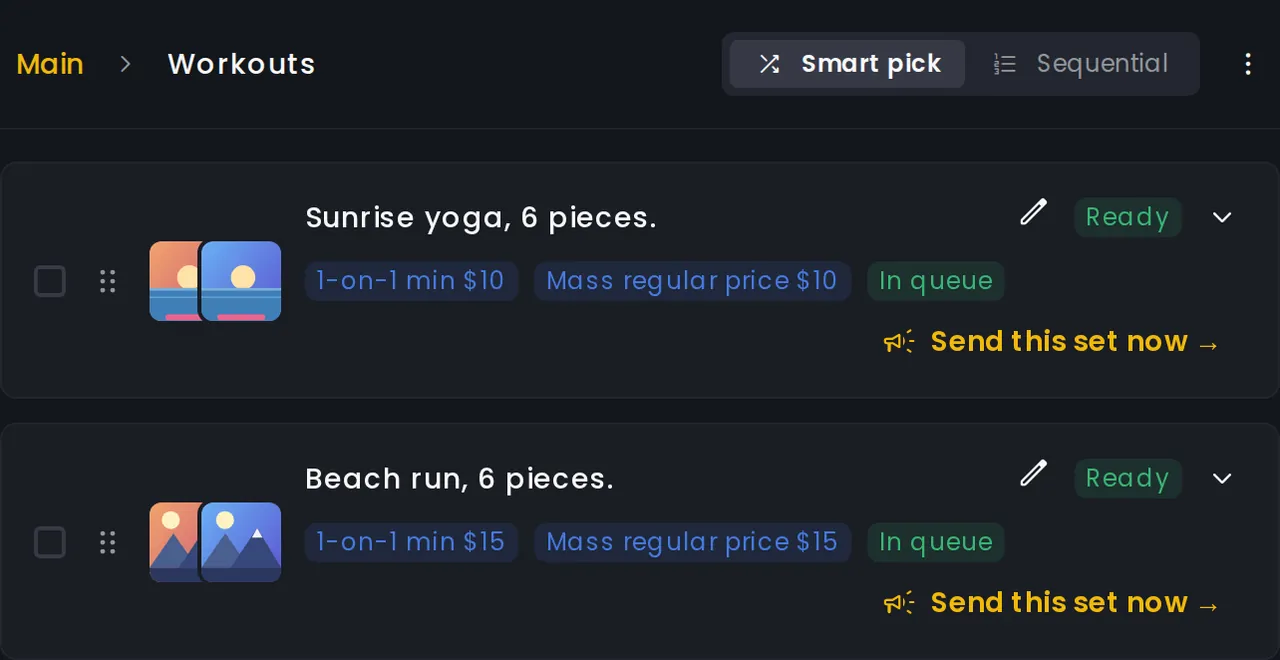
Calypso sells sets from Calypso Library. Custom content orders are delivered apart. Check the media is in a set, the set says Ready and the fan doesn’t have it.
You expected Calypso to sell a photo, video or set, and it hasn’t sent it. Calypso sells the sets in a creator’s Calypso Library, so start there. Open Content → Calypso Library and pick the creator.
What to check#
- The media isn’t in a set. Open it in Content → OF Vault: under Usage, once its usage has loaded, it says Not in a sellable set yet. Add it to a set with Add to a set… under Sellable in Calypso Library.
- The set says Needs attention · No 1-on-1 price. A set starts without a price if its price was left empty when it was created. Click the set to open it and turn on Available for 1-on-1 PPV, or click Set price in its status list. Type a 1-on-1 minimum price and click Save.
- The set says Needs attention · No Mass PPV price. It’s in the mass PPV queue without a price. Set its Mass regular price or turn off In mass PPV queue, then click Save.
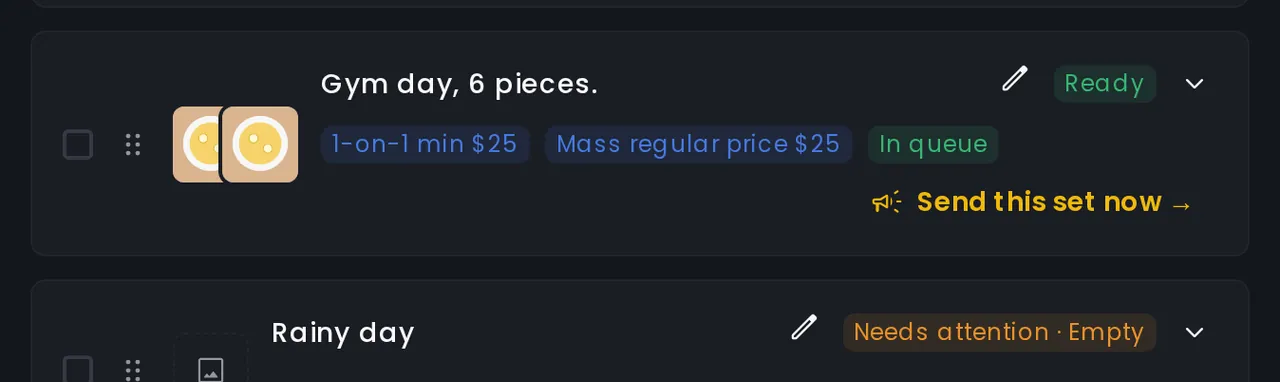
- The set says Needs attention · Empty. It has no media yet. Add some.
- The set says Needs attention · Media unavailable. None of its media can be sent anymore. Each one says why on its tile: OnlyFans rejects this file — re-upload it, Deleted from OnlyFans — re-upload it to use it or No longer on OnlyFans — re-upload it. If the set offers Re-verify, it only checks media with the first label. For the other two, re-uploading the file and adding the new one to the set is the only fix. A photo or video with one of these labels isn’t sent, but the rest of its set still can be, unless that was its only paid media.
- The set’s status list shows a line that isn’t done, such as Calypso is reading, No paid media yet — add some to “Price to view” or Not on sale. See Why a set isn’t ready to sell yet.
- Calypso doesn’t send a paid set to a fan who already has all or part of it. Open the chat in the Inbox and open Fan insights with the button in the chat’s header. If your role can monitor Calypso, Calypso sets available shows how many of her sets Calypso can still send this fan, out of all of them. If few are left, add new sets to her Calypso Library.
- Only the mass PPV skips it. Needs attention · Caption rejected means OnlyFans rejected the set’s caption. Edit the Default mass caption in the open set. Needs attention · Tags not on OnlyFans means some media is tagged in VENUZ with someone who isn’t tagged on OnlyFans. Tag them on OnlyFans, or hide the tag in VENUZ.
- Calypso isn’t replying in that chat at all. See Calypso isn’t replying to a fan.
When you contact us, include the creator, the set and, if it’s about one fan, the fan.
Where to go next
Troubleshooting · 2 min readWhy a set isn’t ready to sell yetOverview · 3 min readHow Calypso reads your contentOverview · 3 min readHow OF Vault is organized
Did this answer your question?
Sorry about that. What went wrong?
Couldn’t send that. Try again.
Still stuck?
Write to us and a person from the VENUZ team answers. Tell us the creator and what you were trying to do.