
Get alerts on Telegram
Link your Telegram in My profile → Notifications, then choose which alerts the VENUZ bot sends you there.
Before you start
- Who can do this
- Anyone on your team, for their own alerts. Your team doesn’t see your settings, and nothing changes for them
- You need
- A Telegram account on the device you use, or on your phone
Open your notifications#
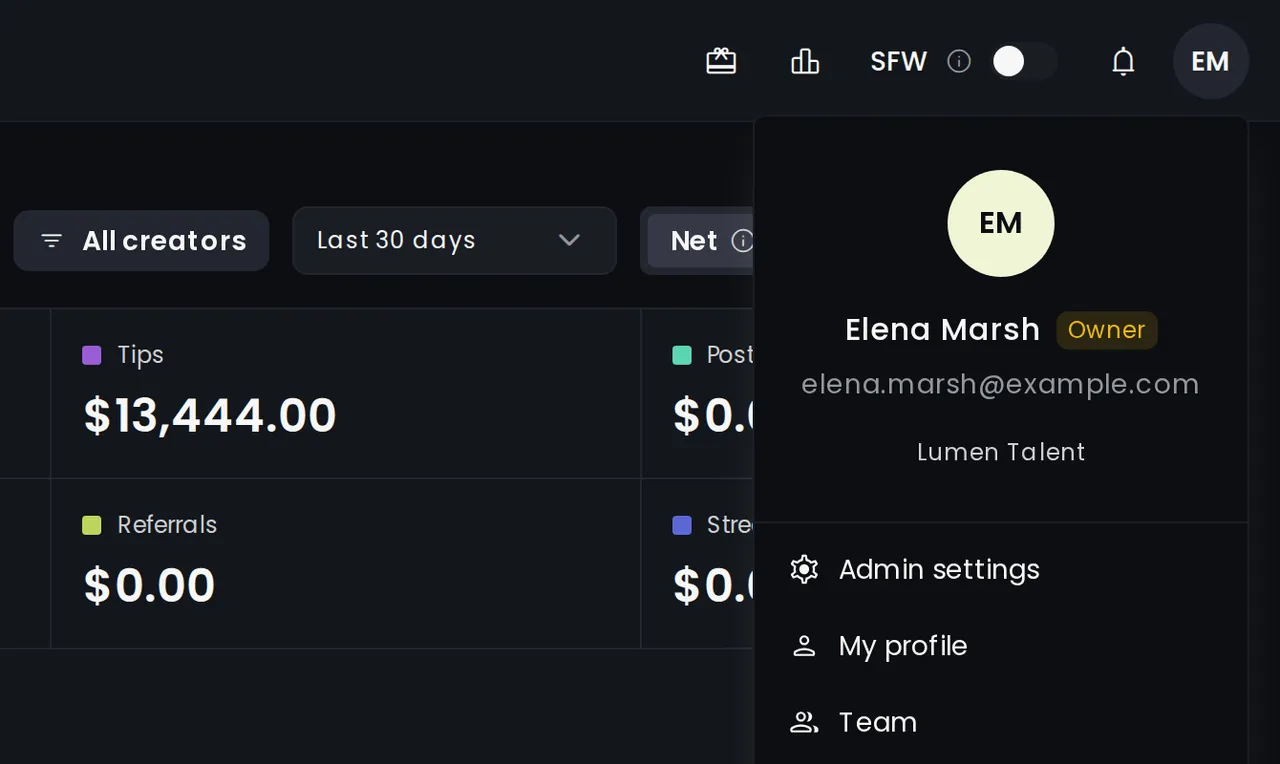
- Click your picture or initials in the top right corner.
- Click My profile.
- Open Notifications.
Link your Telegram#
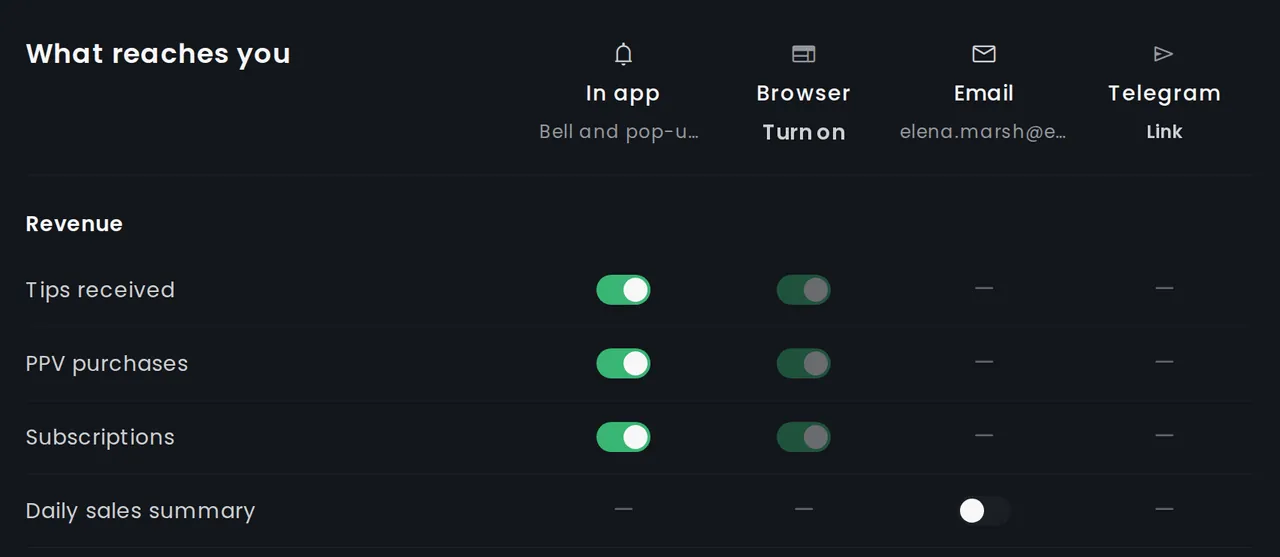
- At the top of the Telegram column, click Link.Telegram opens on the chat with the VENUZ bot, and the column shows Waiting… while you finish there.
- In Telegram, press Start.
- Come back to VENUZ.You see Telegram linked to @yourname, and your username now sits at the top of the column.
Choose what reaches your Telegram#
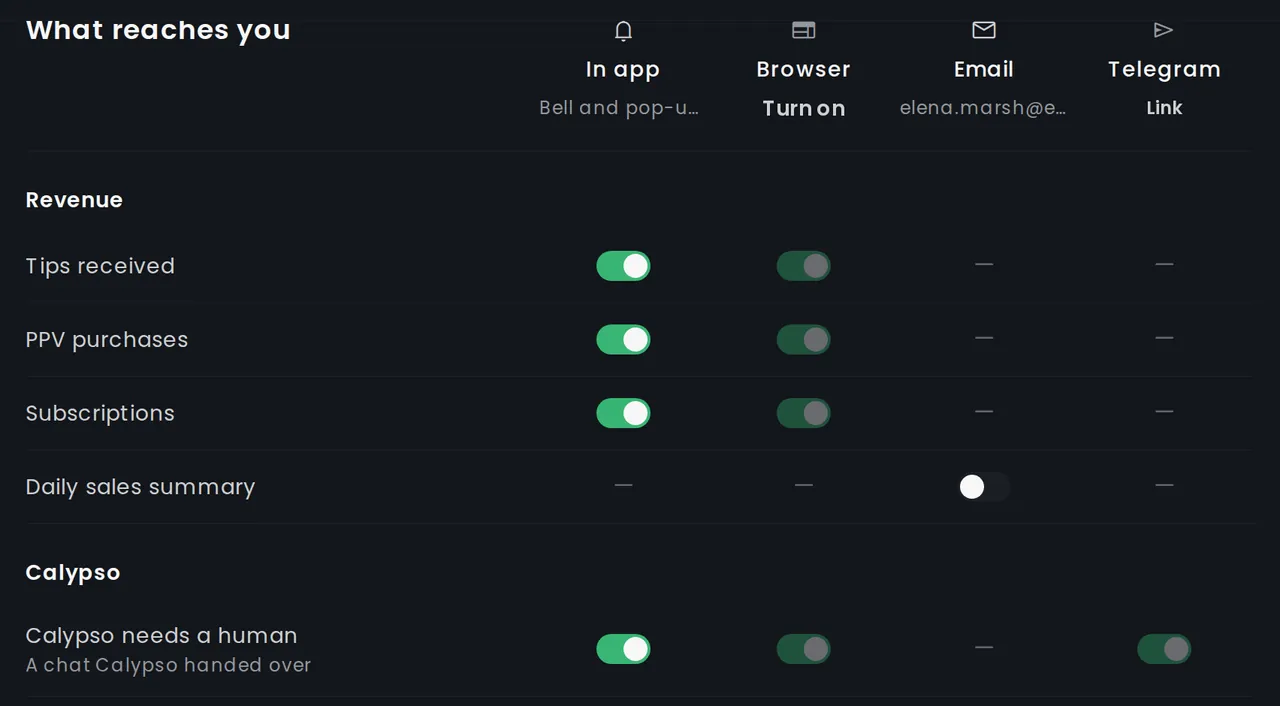
- Check the switches in the Telegram column and turn on the alerts you want there.Some start on, for example Calypso needs a human.
Good to know#
If it runs out before you press Start, click the ✕ next to Waiting… and then click Link again.
Calypso needs a human, PPV went out free, new, updated and overdue custom orders, and the billing alerts. The others show a dash in the Telegram column.
You only get alerts about creators you have access to.
Common questions#
Stop getting alerts on Telegram
Click your username at the top of the Telegram column, click Disconnect, then confirm.
The column shows Reconnect instead of Link
You blocked the bot in Telegram. Click Reconnect to get your alerts again.
What Creator disconnected sends on Telegram
It sends one alert only, Verification code required, when OnlyFans asks a creator for a verification code.
Send alerts to your team’s Telegram group
If you can change your agency settings and see every creator, open Admin settings → Team alerts and click Connect a group. Everyone in the group sees the alerts you turn on for it.
Where to go next
Couldn’t send that. Try again.
Still stuck?
Write to us and a person from the VENUZ team answers. Tell us the creator and what you were trying to do.