
Connect VENUZ to your own tools (API)
The VENUZ API lets your own tools, scripts and AI agents work with your agency. Keys live in Admin settings → API, and the full reference is at docs.venuz.ai.
Where to find it#
| What | Where |
|---|---|
| Your keys | Admin settings → API → Keys |
| Every call your keys made, with its result | Admin settings → API → Requests |
| How much you’ve used and your limits right now | Admin settings → API → Usage |
| Try any call from your browser | Admin settings → API → Testbench |
| The full reference and step-by-step guides | docs.venuz.ai |
Admin settings is in the menu under your picture or initials, at the top right.
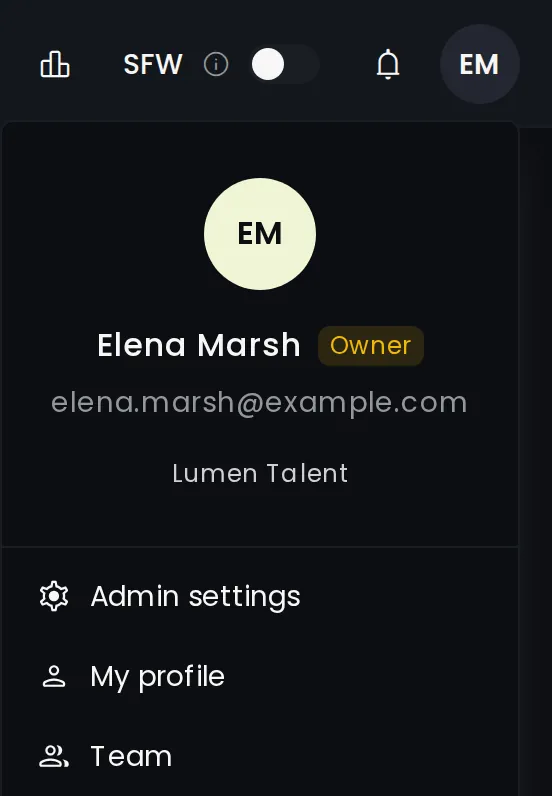
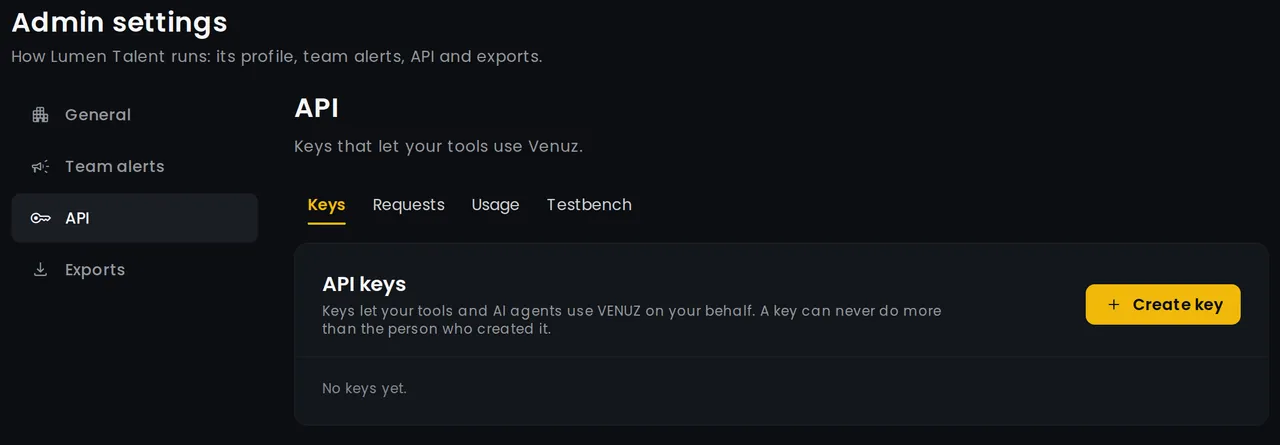
These screens are for a computer or a tablet. Owners and Admins see the API tab, and so does anyone with the Manage API keys permission. If you don’t see Admin settings or API, ask your Owner to give you the Manage API keys permission and access to Admin settings.
What you can connect#
| You want to… | Use |
|---|---|
| Call VENUZ from your own code or a script | An API key. Start with the quickstart |
| Let an AI assistant that supports MCP work with your agency | A connector, no key to copy. See Connect an agent |
| Get told when something happens, instead of asking | Webhooks. See Receive webhooks |
| Take your records to a spreadsheet from your own code | Exports. See Export your records |
| Download your records as a spreadsheet, without code | Admin settings → Exports in the app, while the VENUZ API is on for your agency |
What a key can do#
- A key can never do more than the person who created it. If that person’s access changes, the key changes with it.
- A key is Live or Test. Live works with your real data. Test answers with sample data and never sends anything.
- When you create a key you choose its permissions and which creators it reaches. A Test key always reaches the sample creators.
- By default a key expires after 90 days. You can pick another time when you create it.
- You can rotate a key to get a new secret. The old secret keeps working until the time shown under the key, so you can update your tools.
VENUZ shows the secret of a new or rotated key only once. Copy it and keep it somewhere safe.
Anything using it stops working within 1 minute.
Good to know#
- Creating a key happens inside the app, in Admin settings → API → Keys, with Create key.
- If the Keys panel says the VENUZ API is paused for your agency, your keys don’t work while it’s paused. You can still revoke them.
- Each time you create or rotate a key, you select a checkbox to accept the API Terms.
- If you changed your email recently, changes to your keys are paused for a while to protect your account. The Keys panel shows until when.
Where to go next
Couldn’t send that. Try again.
Still stuck?
Write to us and a person from the VENUZ team answers. Tell us the creator and what you were trying to do.